![Netstream_White_RGB[1].svg]](https://docs.netstream.ch/hubfs/Netstream_White_RGB%5B1%5D.svg)
The Netstream Hub is currently only available in German. The English version will follow. Until then, the screenshots show the German interface, and button and field names are given in German with the English meaning in brackets.
The roles
| Role | What it can do |
|---|---|
| Super Admin | Sees everything including invoices, opens tickets, invites users and changes company details and roles. |
| Admin | Sees everything including invoices, opens tickets, invites users and changes company details. Only the Super Admin changes roles. |
| Benutzer (User) | Sees services, tickets and company and opens tickets. Invoices are hidden. |
As a rule, one or more Super Admins are defined during onboarding. If no Super Admin is registered for your company, you can request one via the helpdesk, provided you have the corresponding authority in your company.
You can also find this overview in the Hub under «Company», via the info icon next to the «Rolle» (Role) column.
Inviting users
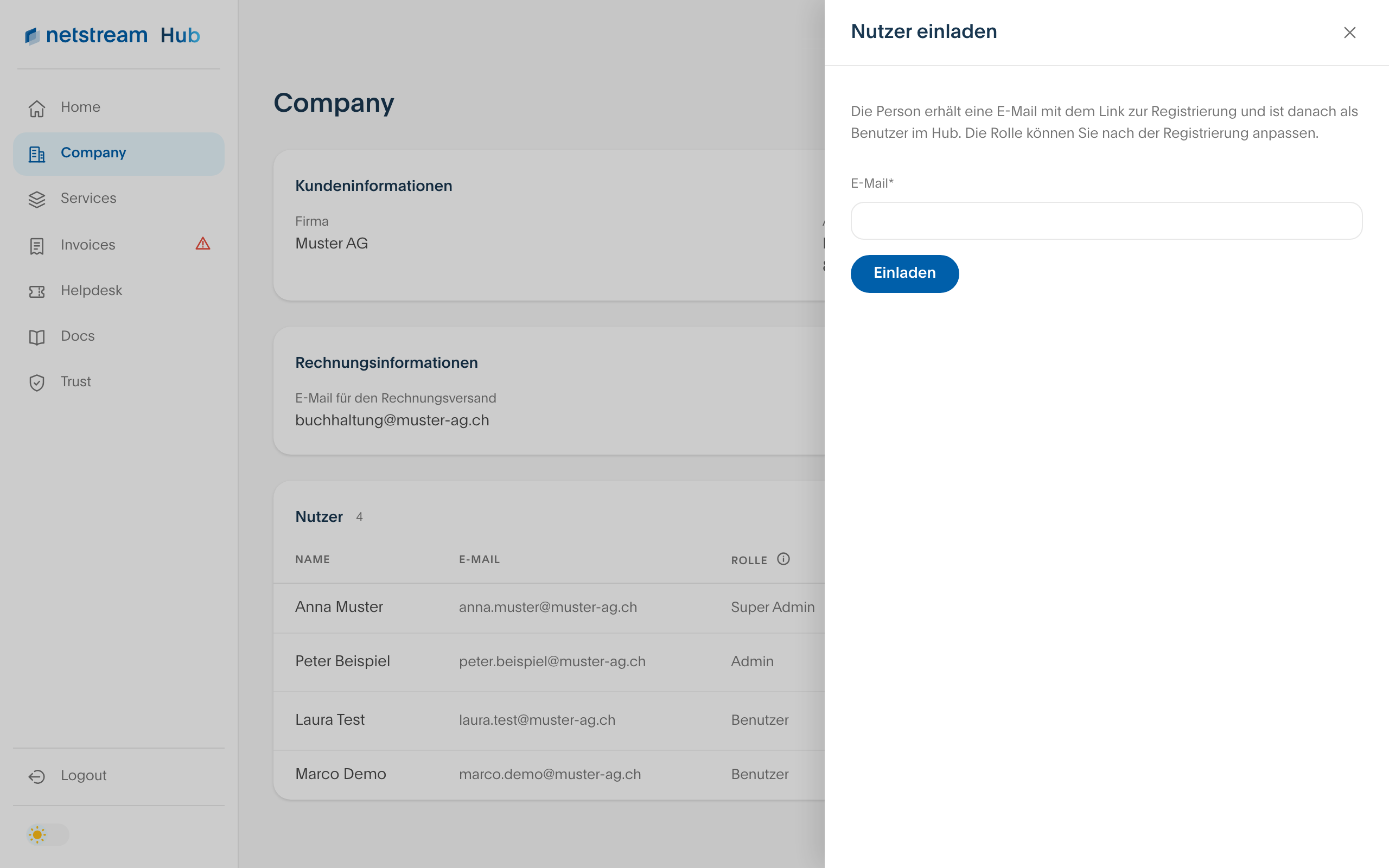
Admins and Super Admins invite new colleagues via the plus sign next to «Nutzer» (Users). The person receives an email with the registration link and starts with the role Benutzer (User).
Changing a role
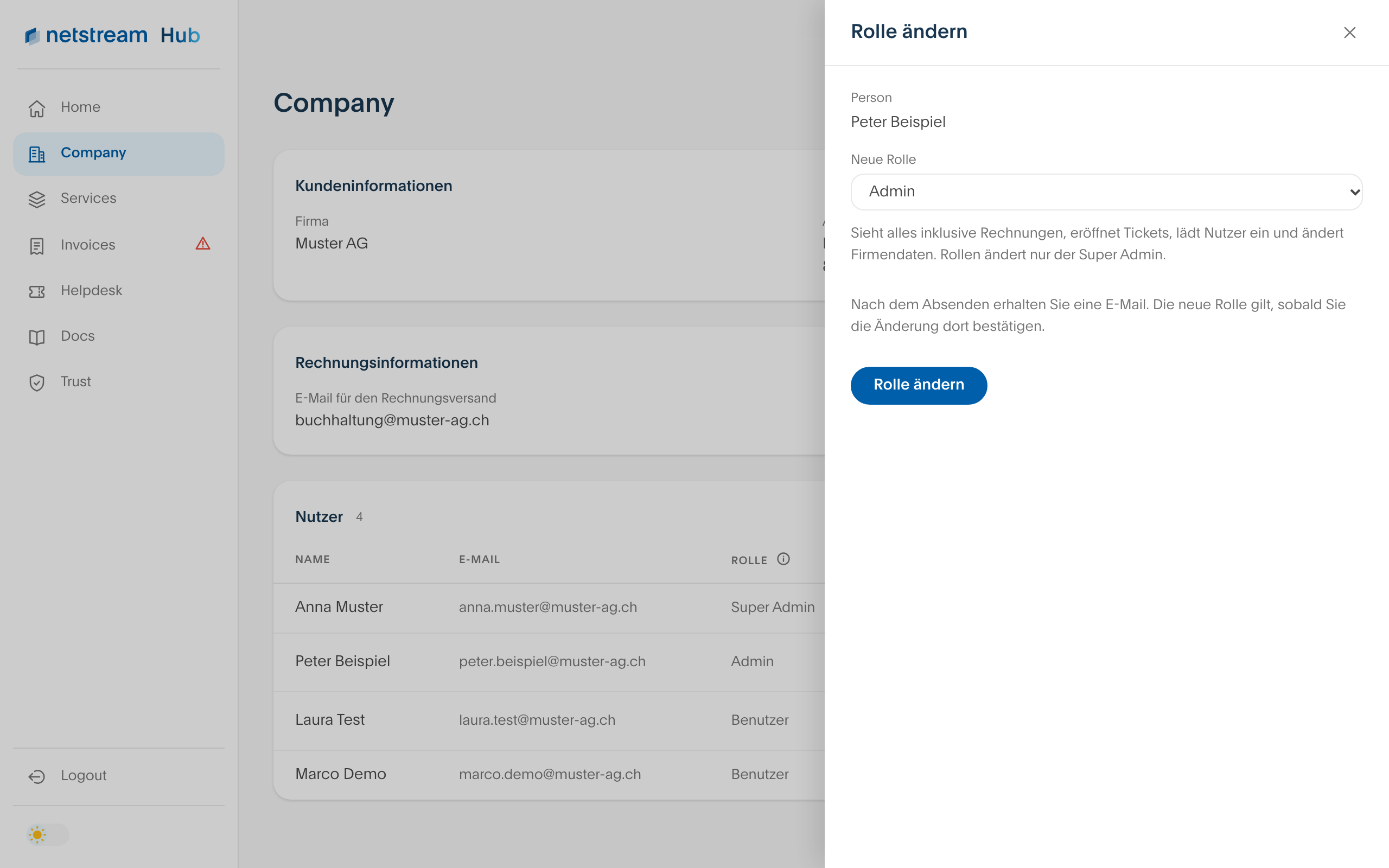
The Super Admin changes roles. This is possible for all users with the status «Aktiv» (Active), but not for your own role.
- Open «Company» and select the pen icon next to the user in the user list.
- Choose the new role and then «Rolle ändern» (Change role).
- You receive an email. The new role applies as soon as you confirm the change there. It then takes effect within a few minutes.