![Netstream_White_RGB[1].svg]](https://docs.netstream.ch/hubfs/Netstream_White_RGB%5B1%5D.svg)
The Netstream Hub is currently only available in German. The English version will follow. Until then, the screenshots show the German interface, and button and field names are given in German with the English meaning in brackets.
Requirement
You can only register if your company is registered with us as a customer. To do so, you use your company email address, whose domain is stored with us for your company. If you already had a login for support.netstream.cloud (formerly Netstream Cloud Support Center), you can reuse it.
If someone from your company has invited you, you will find the registration link in the invitation email.
Registering
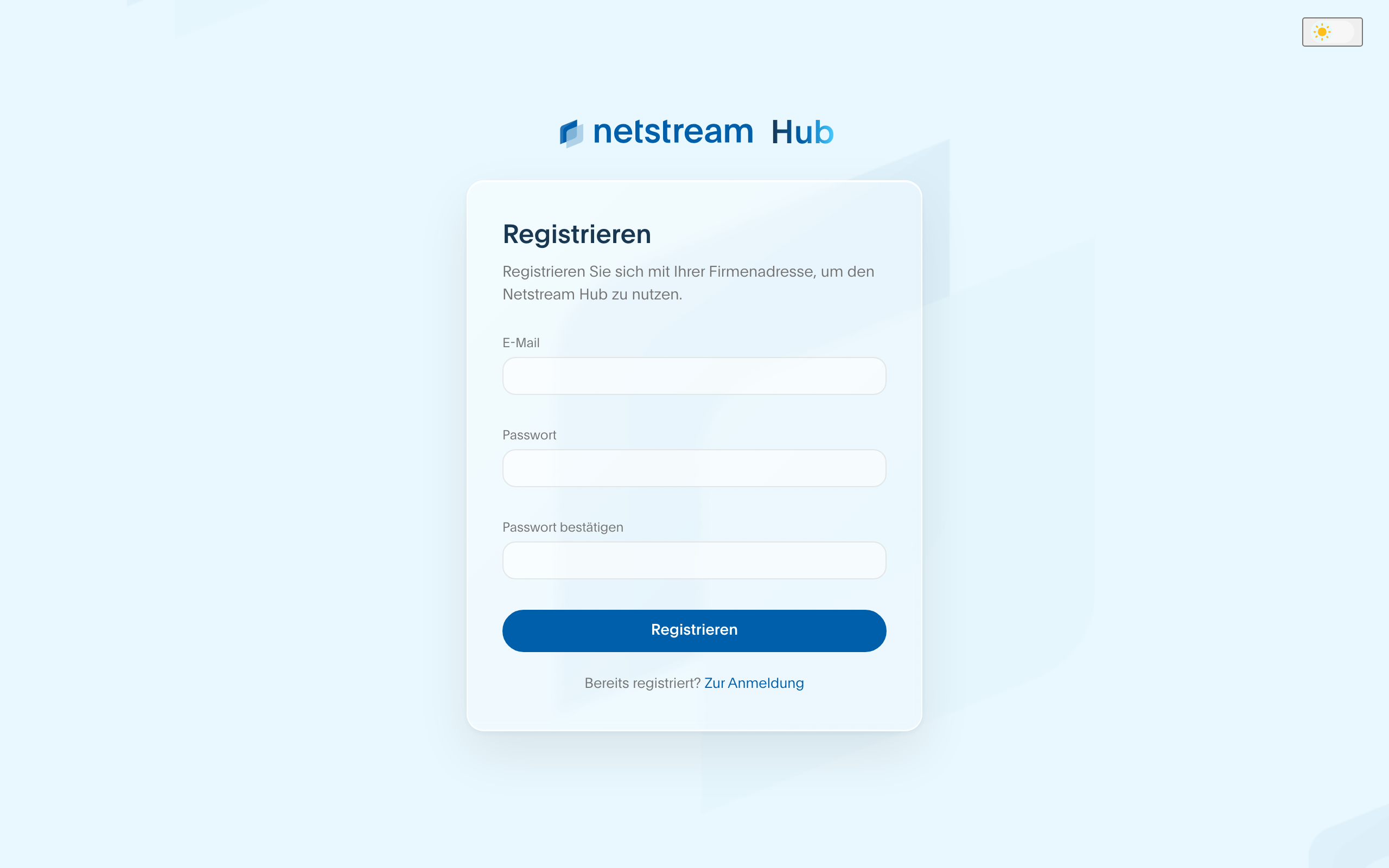
- Open hub.netstream.ch and select «Jetzt registrieren» (Register now).
- Enter your company email address and set a password.
- Select «Registrieren» (Register).
Confirming your email address
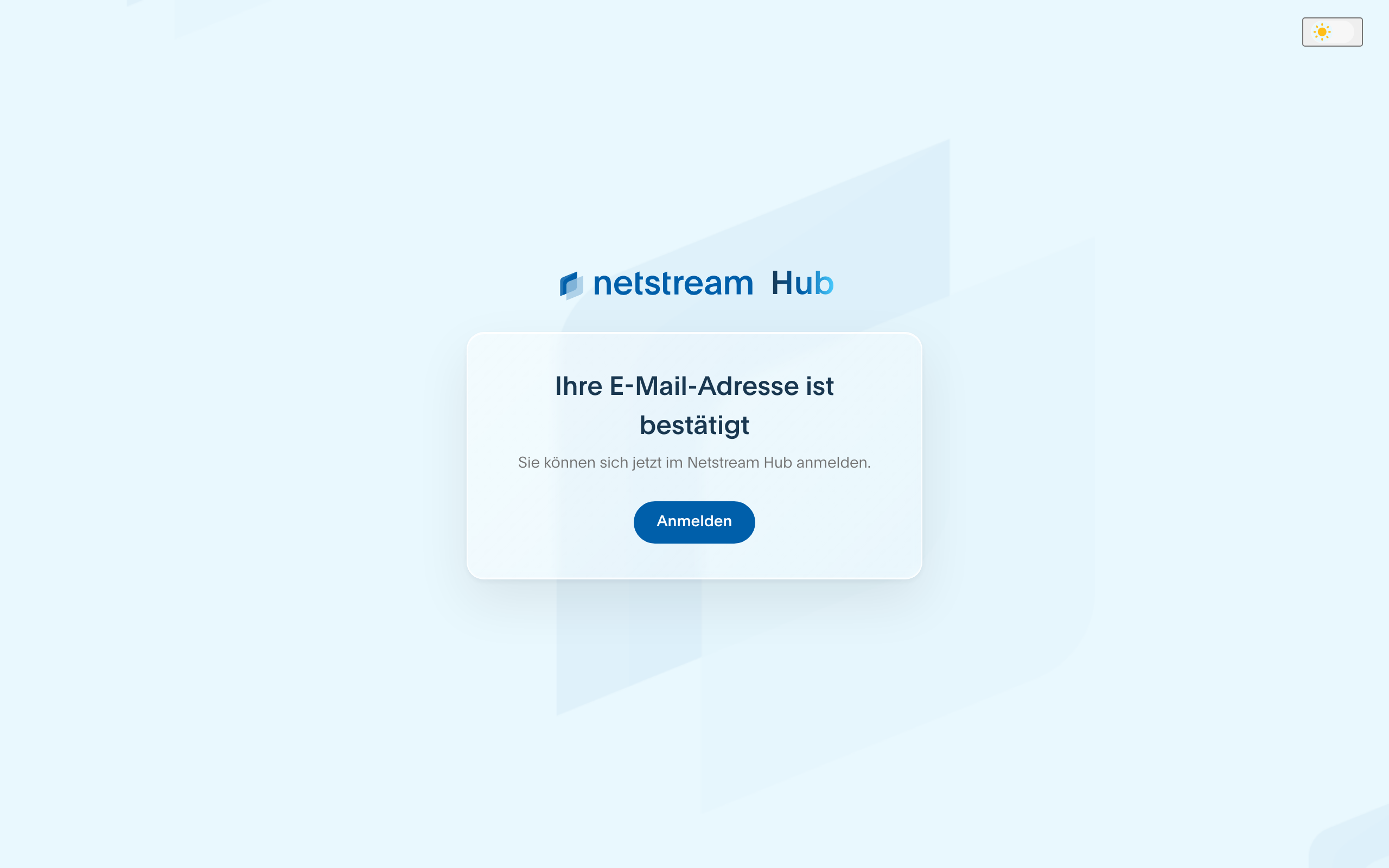
You receive an email with a confirmation link. Registration is only complete once you click it. You then log in with your email address and password.
If no email arrives, check your spam folder or write to us at hello@netstream.ch.
After registering, you have the role Benutzer (User). What each role can do is described in the article Netstream Hub: Roles and changing roles.