![Netstream_White_RGB[1].svg]](https://docs.netstream.ch/hubfs/Netstream_White_RGB%5B1%5D.svg)
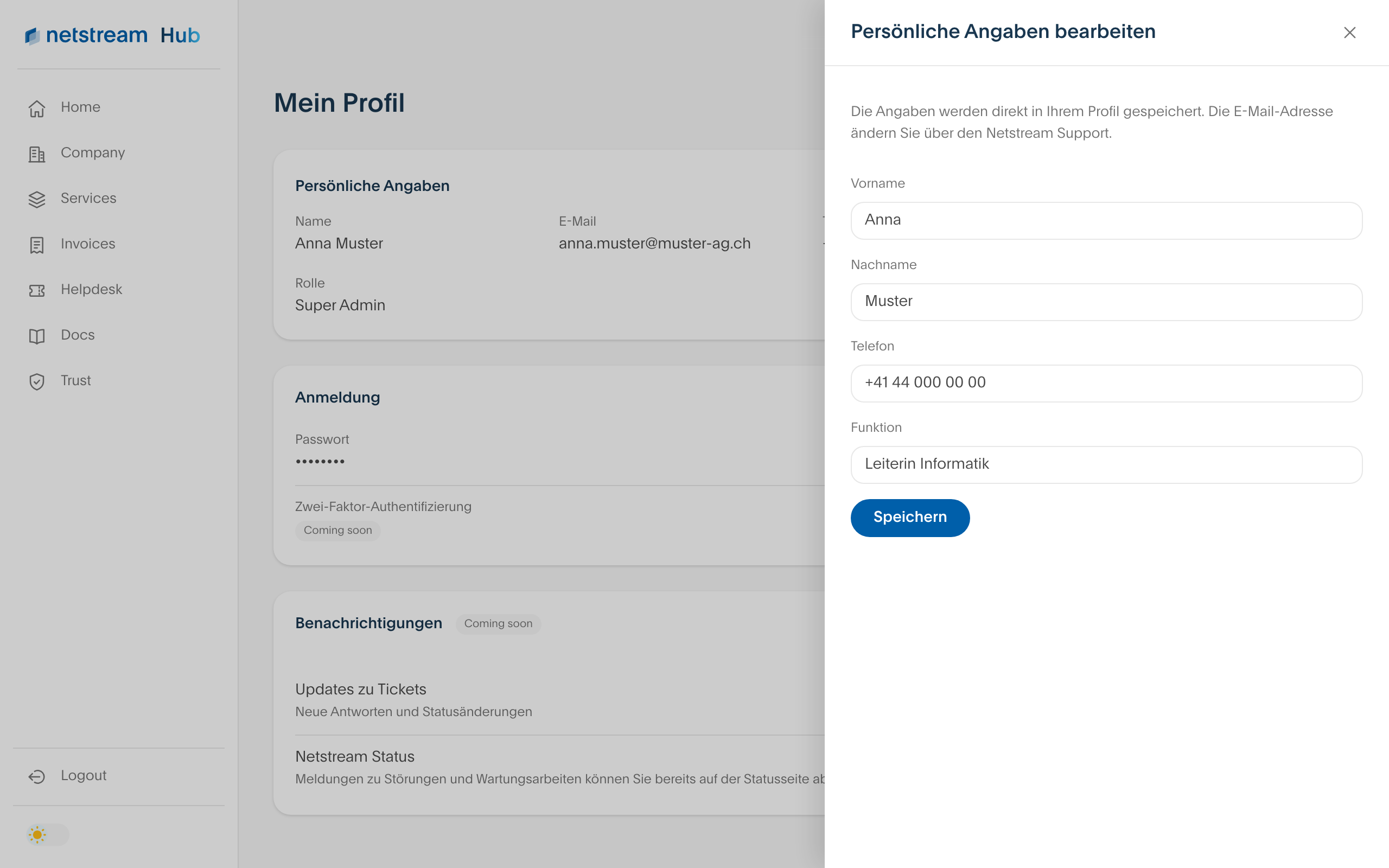
The Netstream Hub is currently only available in German. The English version will follow. Until then, the screenshots show the German interface, and button and field names are given in German with the English meaning in brackets.
Changing personal details
- Open your profile via your initials at the top right.
- Select the pen icon next to «Persönliche Angaben» (Personal details).
- Adjust your first name, last name, phone number or position and select «Speichern» (Save).
The details are saved directly in your profile. You change your email address via the helpdesk.
Changing your password
How to change your password is described in the article Netstream Hub: Resetting your password.