![Netstream_White_RGB[1].svg]](https://docs.netstream.ch/hubfs/Netstream_White_RGB%5B1%5D.svg)
The Netstream Hub is currently only available in German. The English version will follow. Until then, the screenshots show the German interface, and button and field names are given in German with the English meaning in brackets.
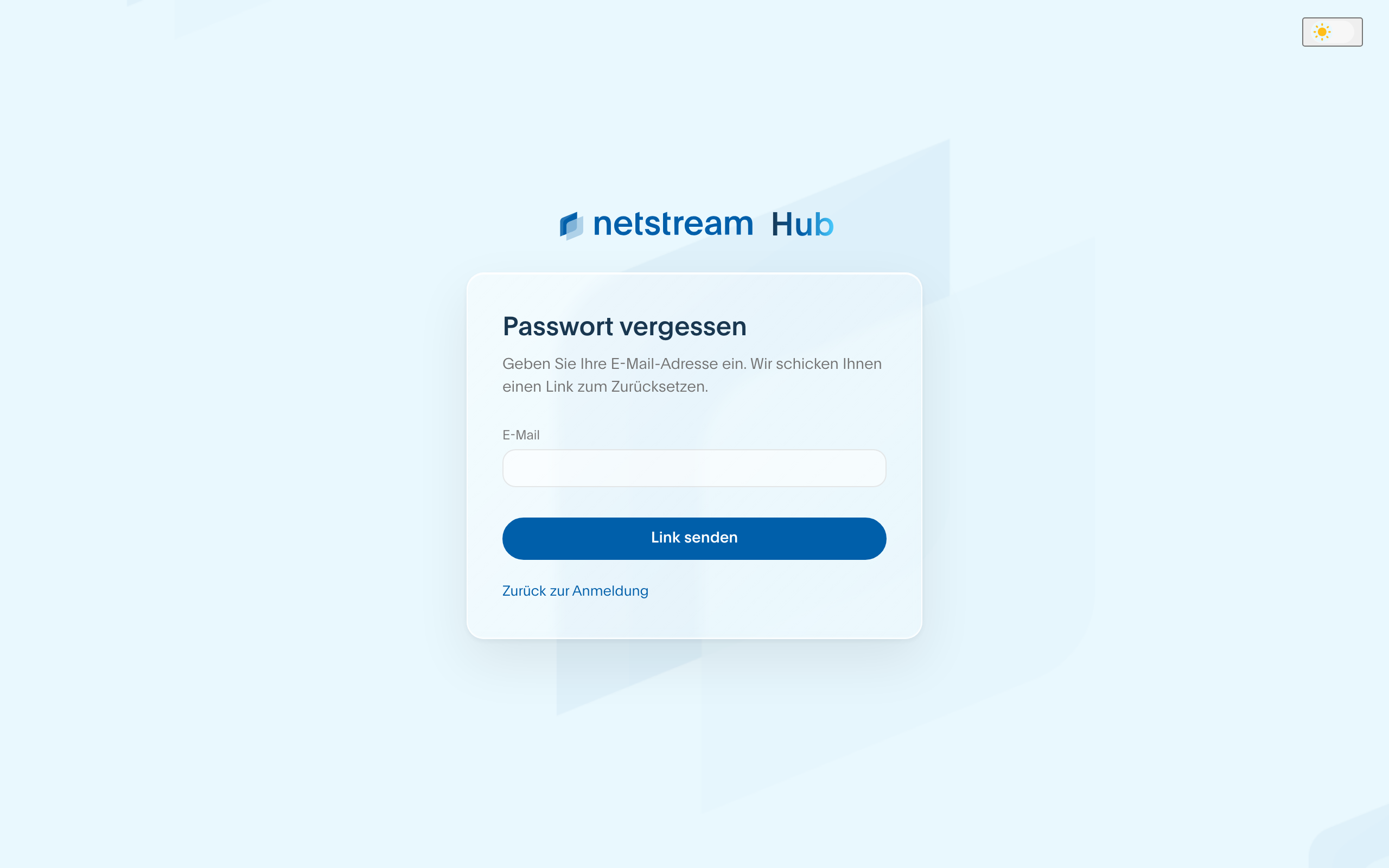
Forgotten password
- On the login page of hub.netstream.ch, select «Passwort vergessen?» (Forgot password?).
- Enter your email address and select «Link senden» (Send link).
- If an account exists for this address, you will receive an email with a link within a few minutes.
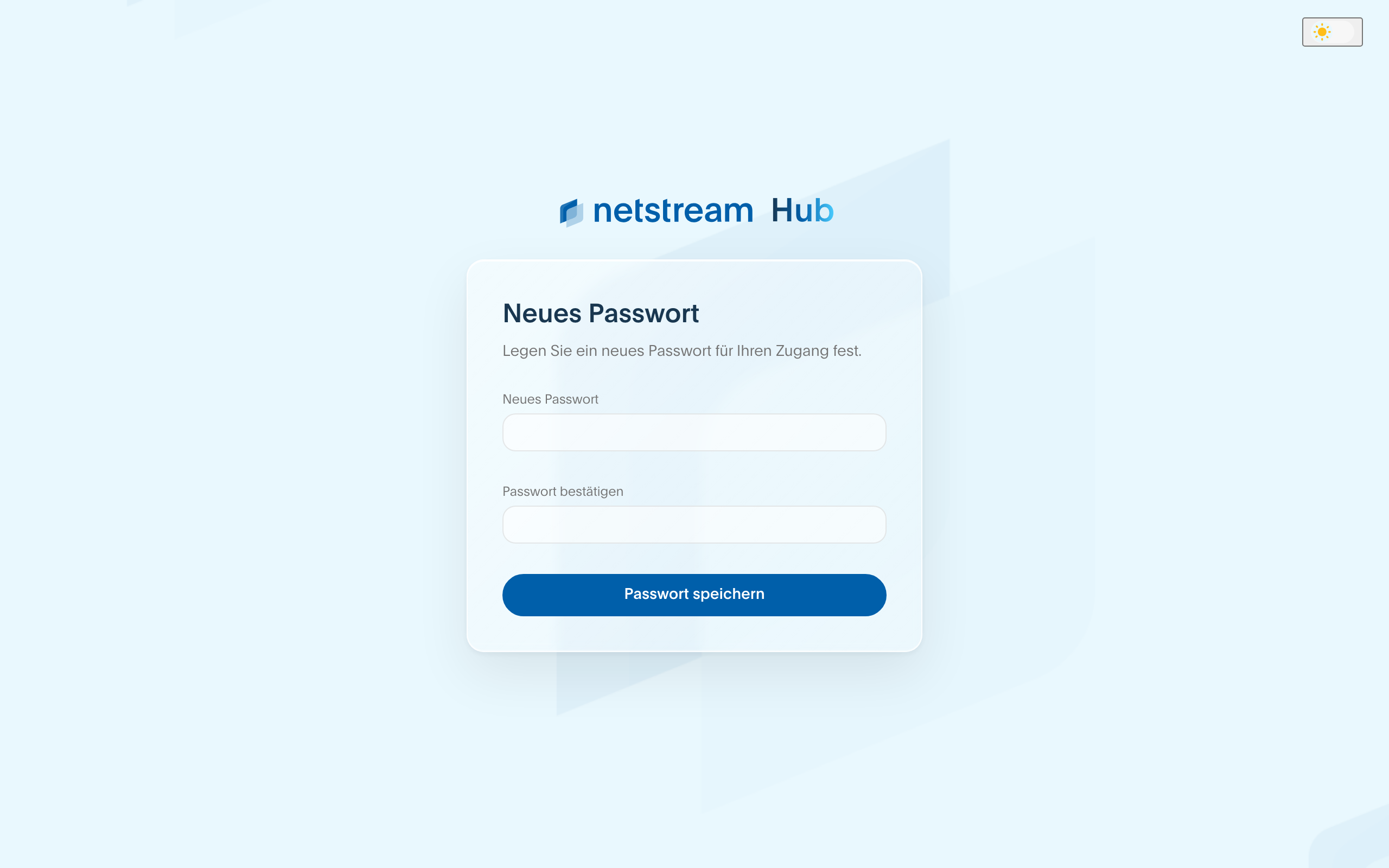
Setting a new password
The link in the email opens the «Neues Passwort» (New password) page. Enter the new password twice and select «Passwort speichern» (Save password). You then log in with the new password.
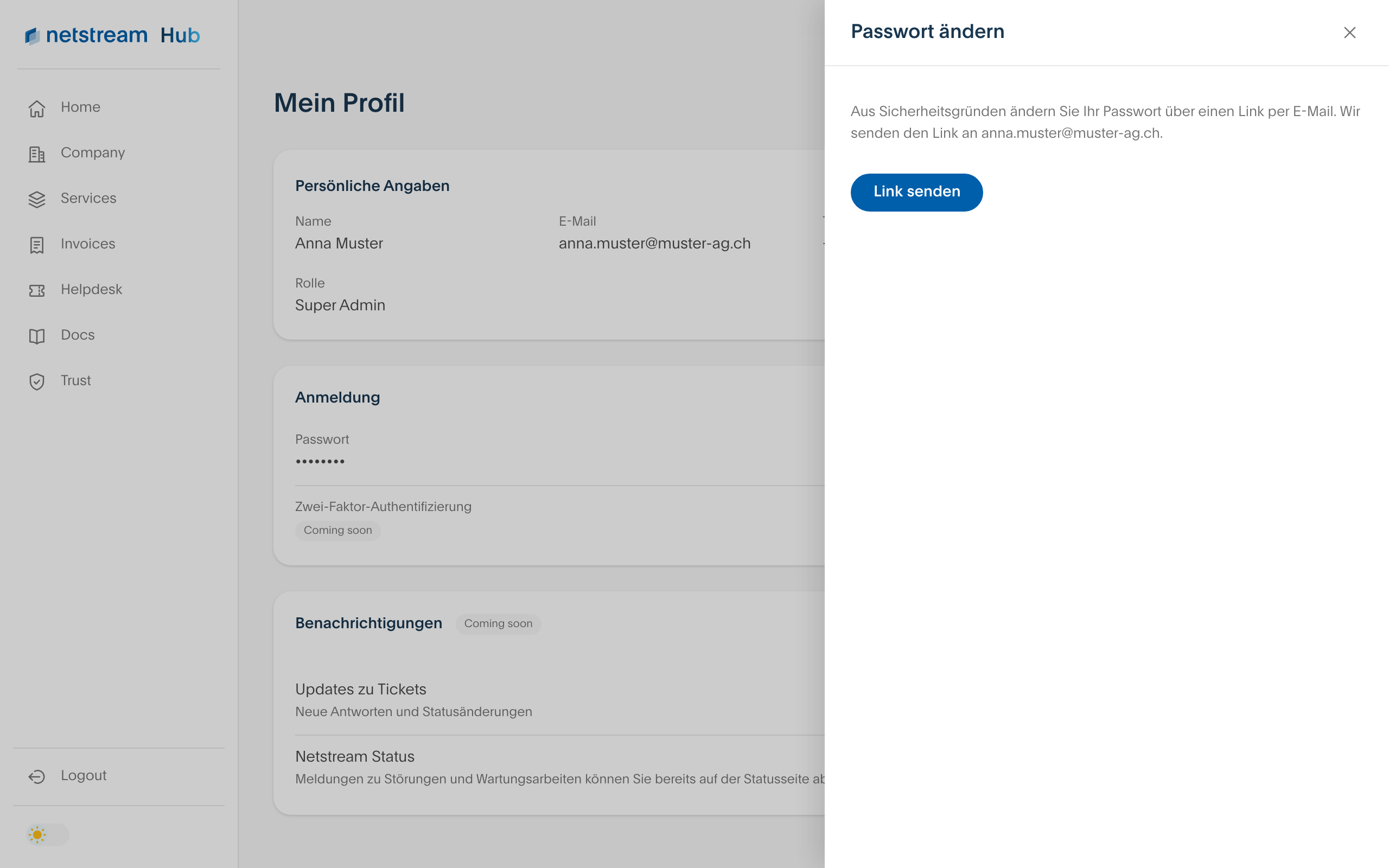
Changing your password in the Hub
When you are logged in, you change your password in your profile. Open your profile via your initials at the top right and select the pen icon next to «Passwort» (Password). For security reasons, we send you a link by email here as well.