![Netstream_White_RGB[1].svg]](https://docs.netstream.ch/hubfs/Netstream_White_RGB%5B1%5D.svg)
The Netstream Hub is currently only available in German. The English version will follow. Until then, the screenshots show the German interface, and button and field names are given in German with the English meaning in brackets.
Super Admins and Admins change company details. Users with the role Benutzer (User) see the details but cannot edit them.
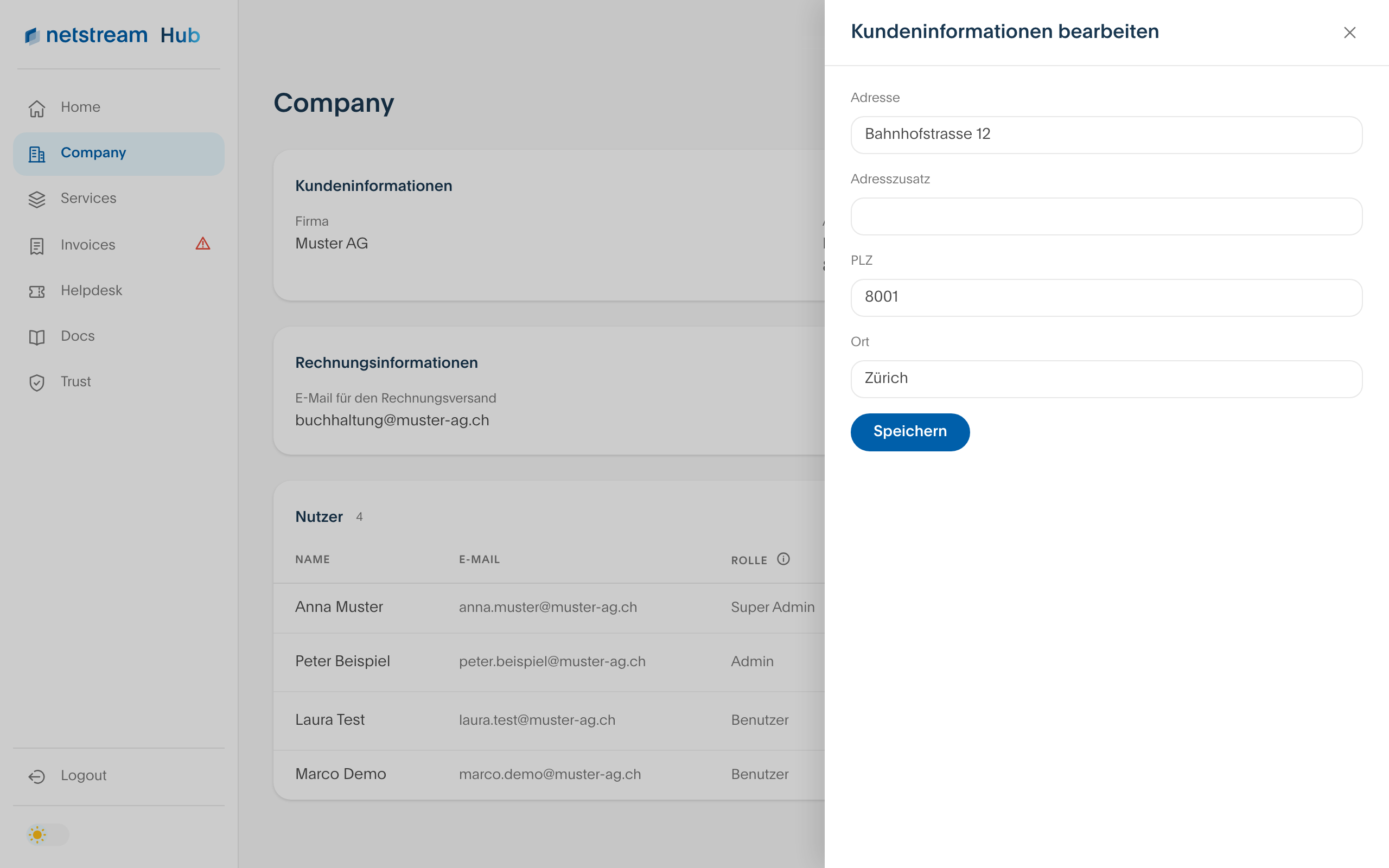
Changing the address
- Open «Company» and select the pen icon next to «Kundeninformationen» (Customer information).
- Adjust the address, address line 2, postcode or town. The current details are already filled in.
- Select «Speichern» (Save).
The company name can only be changed via the helpdesk.
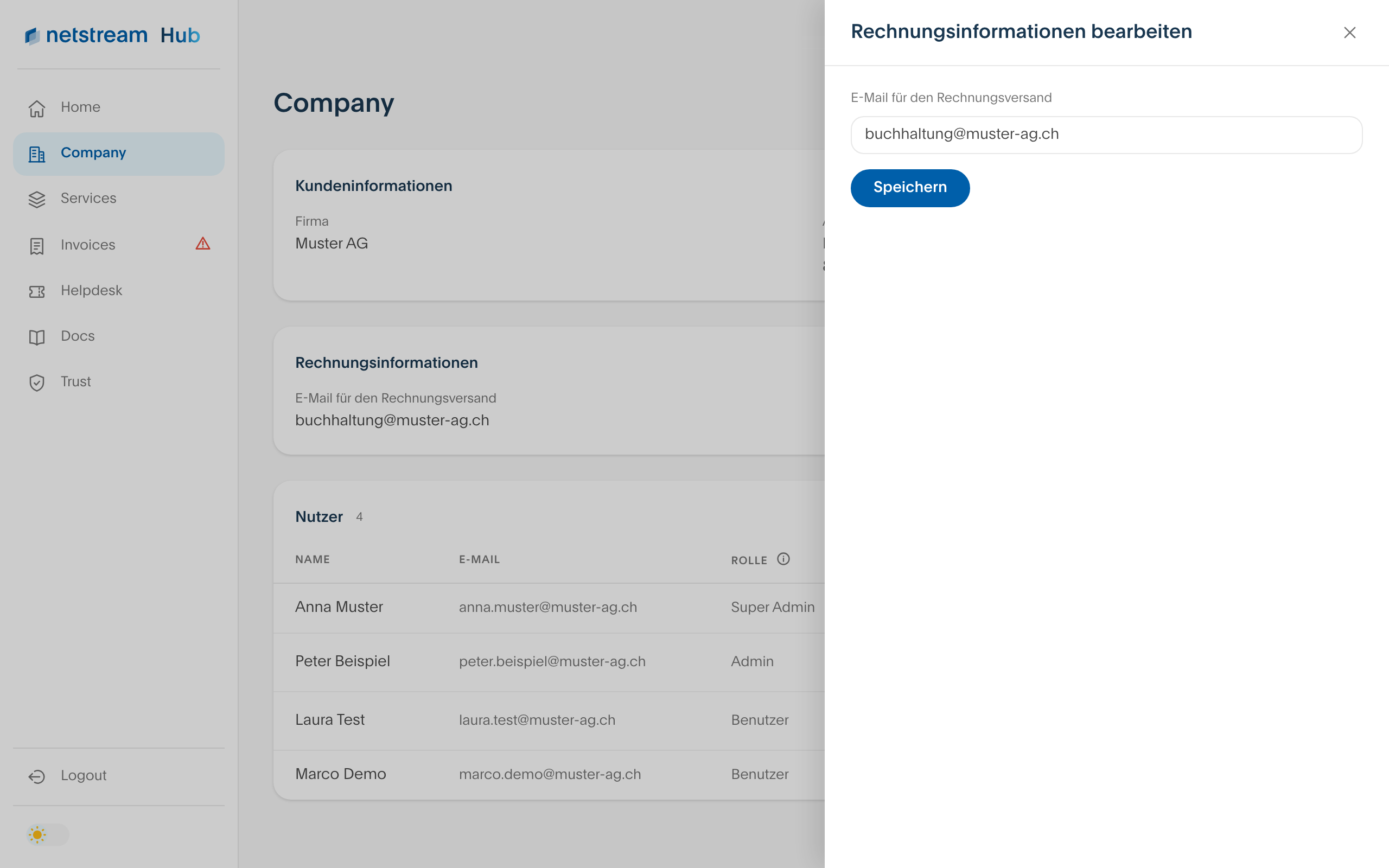
Changing the invoice email
We send your invoices to this address.
- Select the pen icon next to «Rechnungsinformationen» (Billing information).
- Enter the new email address and select «Speichern» (Save).