![Netstream_White_RGB[1].svg]](https://docs.netstream.ch/hubfs/Netstream_White_RGB%5B1%5D.svg)
The Netstream Hub is currently only available in German. The English version will follow. Until then, the screenshots show the German interface, and button and field names are given in German with the English meaning in brackets.
The Hub is currently in BETA and can only be used by members of the BETA group. If you would like to take part, write to hello@netstream.ch.
Registering and logging in
The Netstream Hub runs at hub.netstream.ch. On your first visit, you register with your company email address via «Jetzt registrieren» (Register now). After that, you log in with your email address and password. If you have forgotten your password, you reset it via «Passwort vergessen?» (Forgot password?) using an email link.
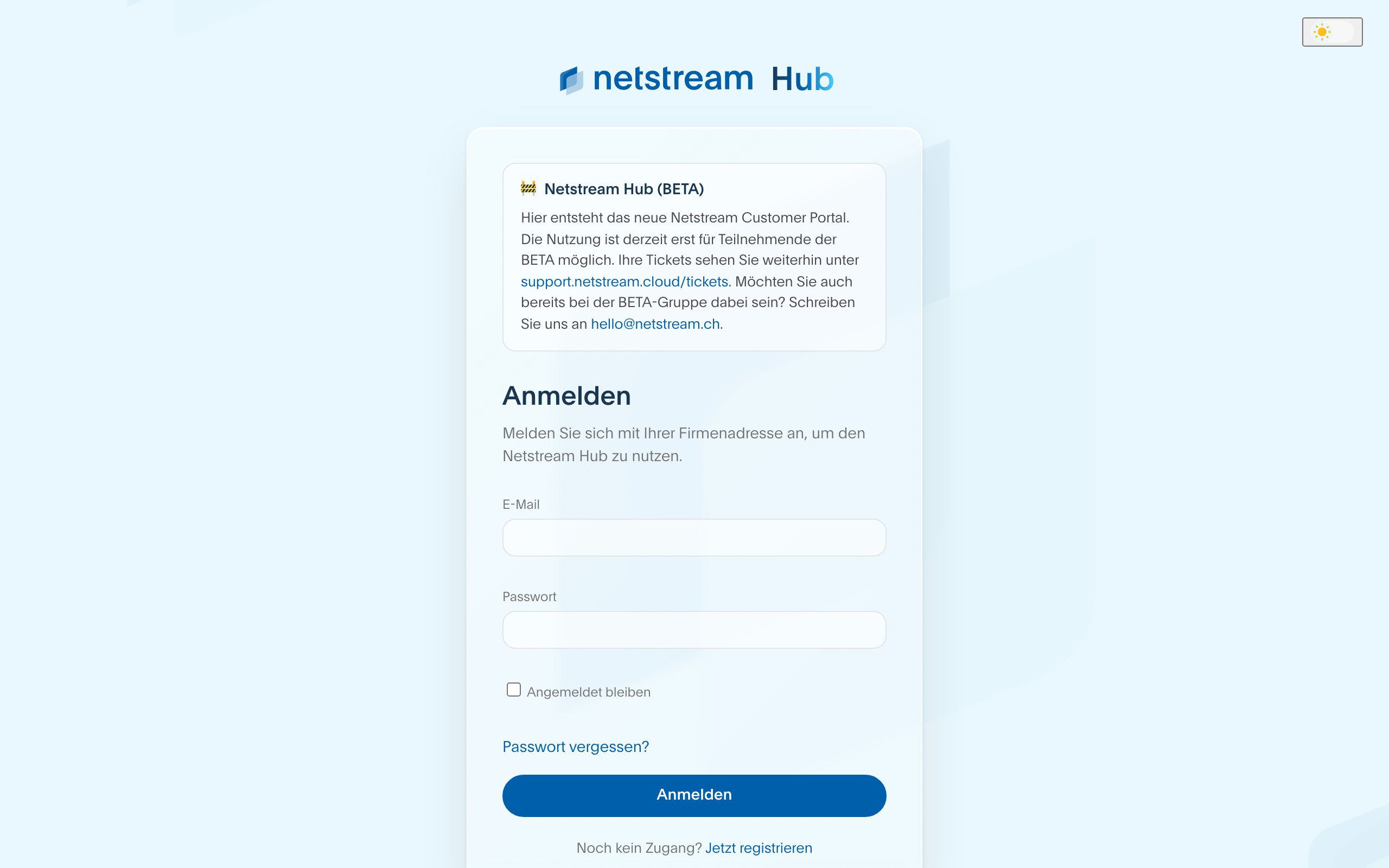
If you already had a login for support.netstream.cloud (formerly Netstream Cloud Support Center), you can reuse it.
Home
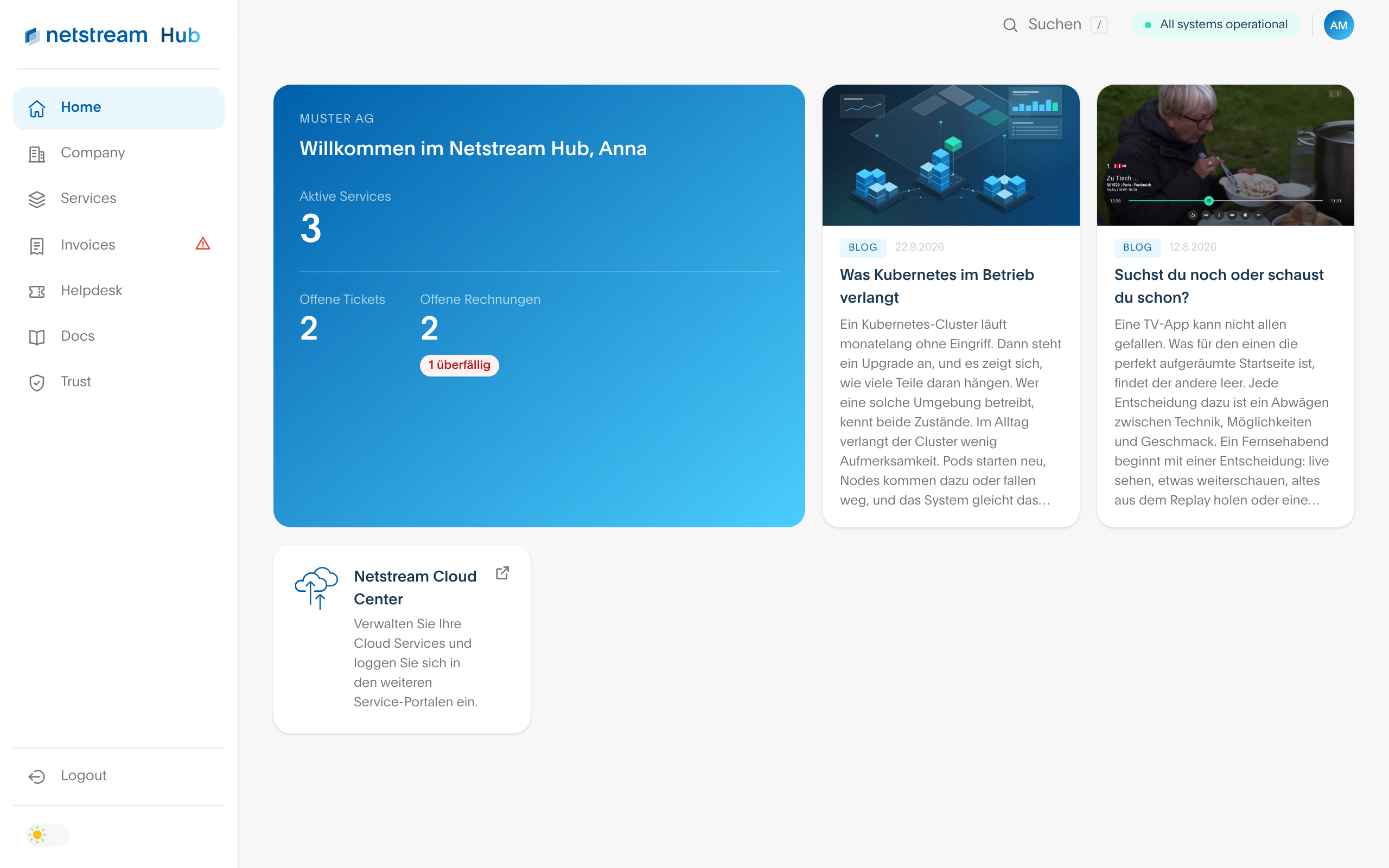
After logging in, you can see at a glance how many services are active and how many tickets are open. Admins and Super Admins also see the open invoices, with overdue ones marked in red. If you have cloud services, the «Netstream Cloud Center» card takes you directly to the management of your cloud.
At the top right, the status indicator shows the current operating status from status.netstream.ch. Next to it, you open the chat, switch between light and dark mode and reach your profile via your initials.
Company
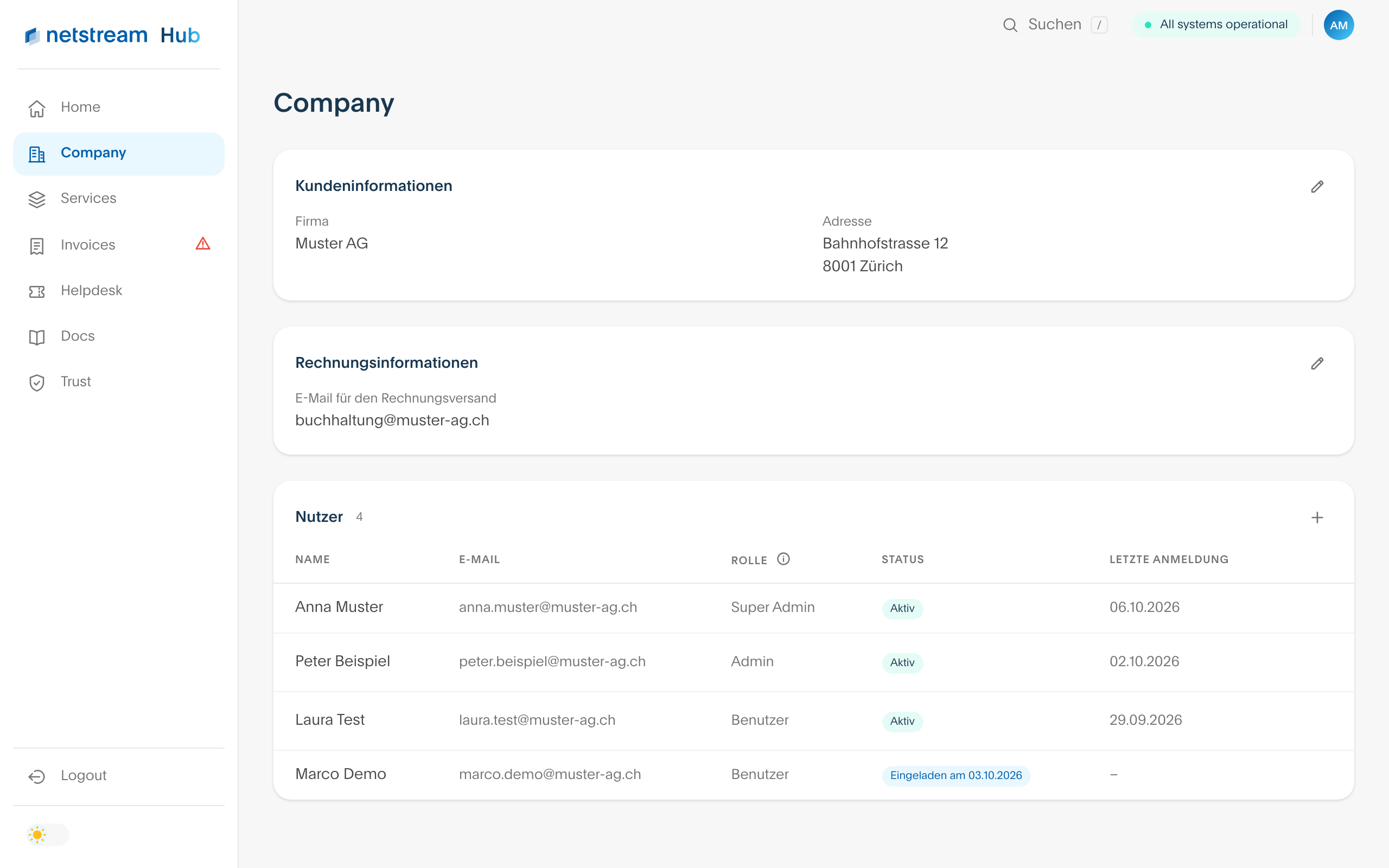
Here you find your customer information, the email address for sending invoices and all users of your company. Super Admins and Admins change the address and invoice email directly via the pen icon.
Admins and Super Admins invite new colleagues via the plus sign next to «Nutzer» (Users). The person receives an email with the registration link and starts with the role Benutzer (User). The Super Admin changes the role via the pen icon in the user list. The new role applies as soon as the change has been confirmed via the link in the confirmation email.
| Role | What it can do |
|---|---|
| Super Admin | Sees everything including invoices, opens tickets, invites users and changes company details and roles. |
| Admin | Sees everything including invoices, opens tickets, invites users and changes company details. Only the Super Admin changes roles. |
| Benutzer (User) | Sees services, tickets and company and opens tickets. Invoices are hidden. |
Services
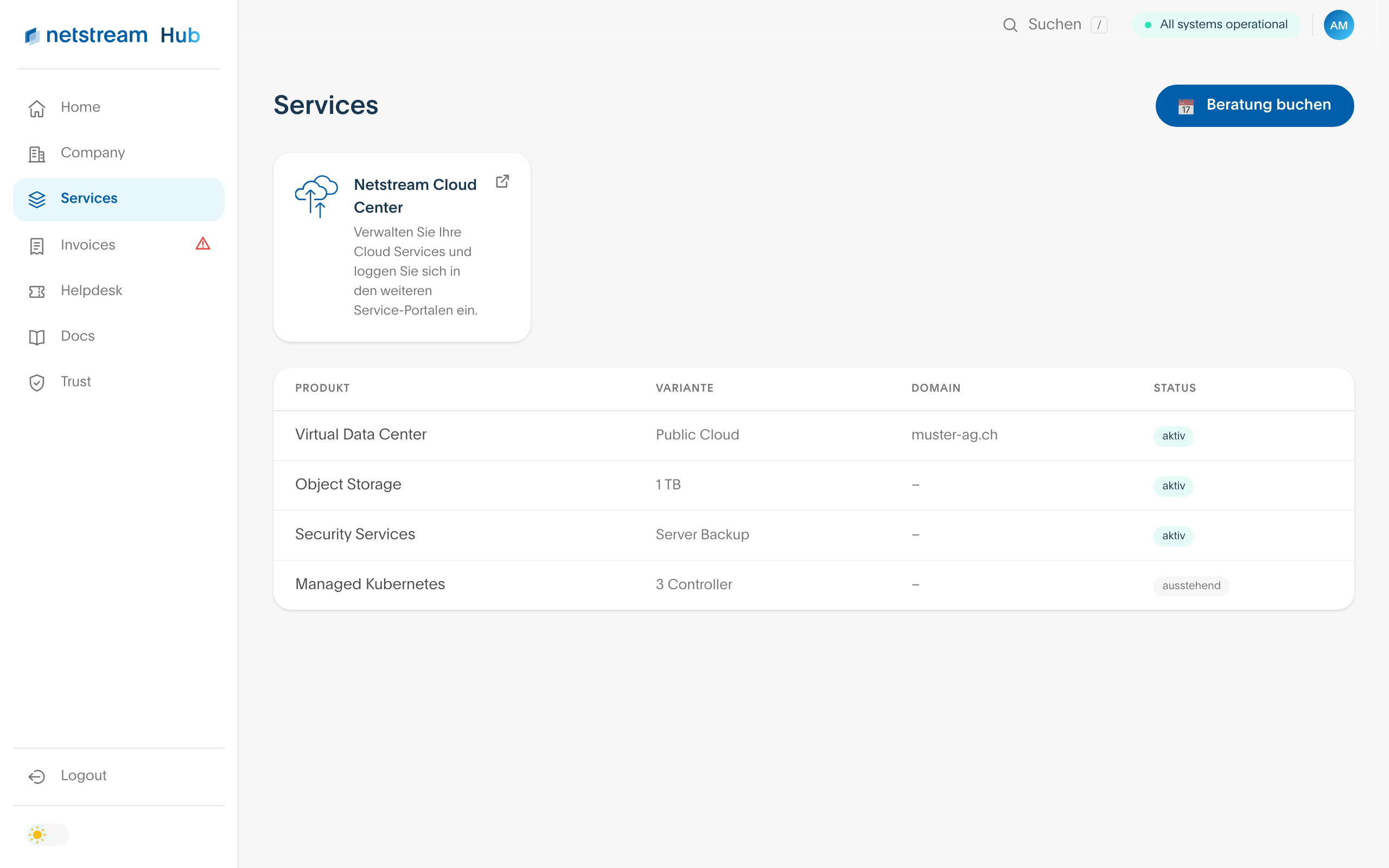
This page shows all services of your company with variant, domain and status. You continue to manage cloud services in the Netstream Cloud Center; the card at the top takes you straight there. Via «Beratung buchen» (Book a consultation), you arrange an appointment with us.
Invoices
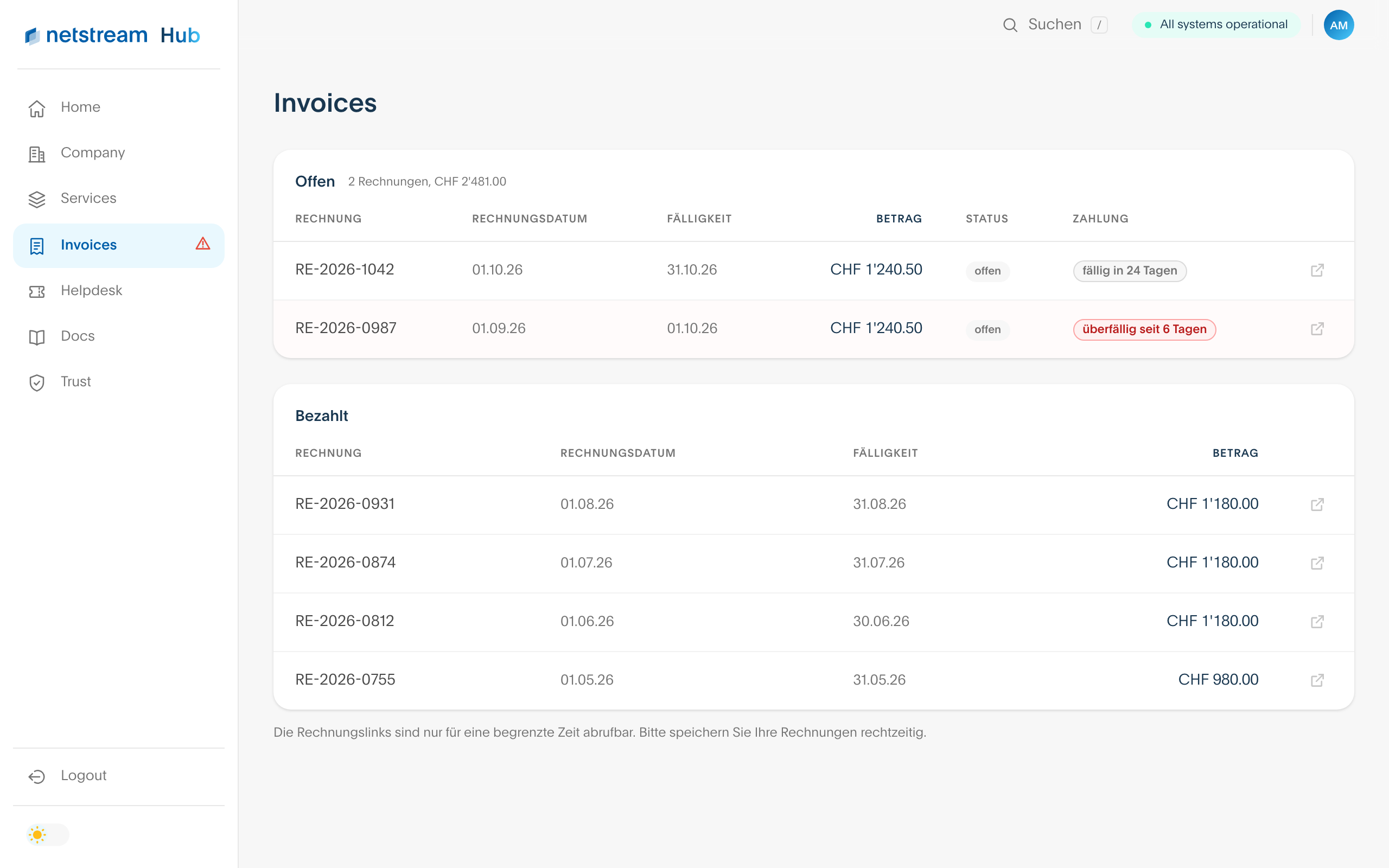
Admins and Super Admins see all open and paid invoices here. For open invoices, it shows in how many days they are due or since when they have been overdue. You open the invoice via the icon on the right. The invoice links can only be accessed for a limited time, so save your invoices in good time. More on this in the article Invoices and billing.
Helpdesk
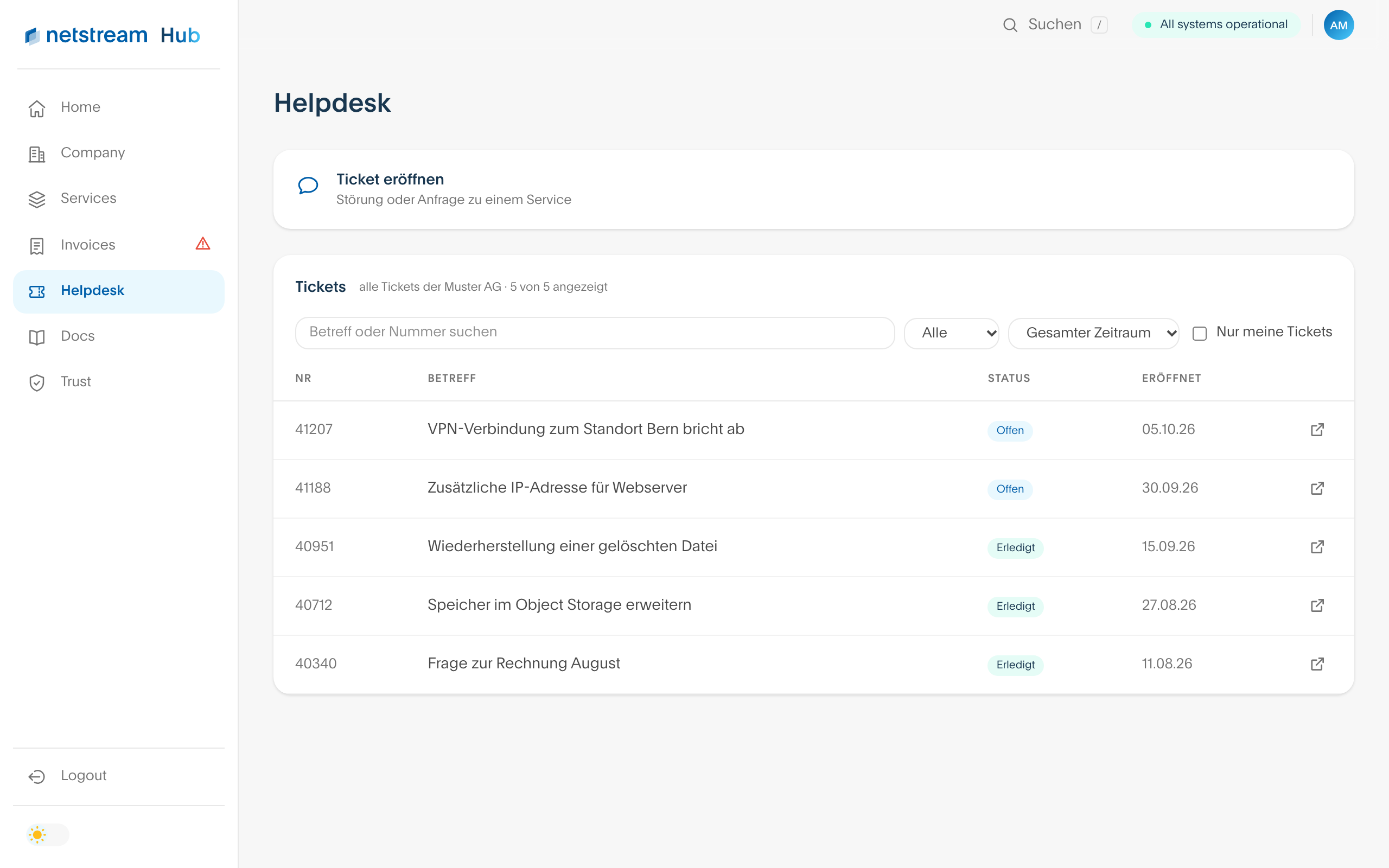
Via «Ticket eröffnen» (Open ticket), you report a fault or a request about a service. Below that, you see all tickets of your company. You can search by subject or number, filter by status and period or show only your own tickets. A click on the icon on the right opens the ticket in the helpdesk.
Docs
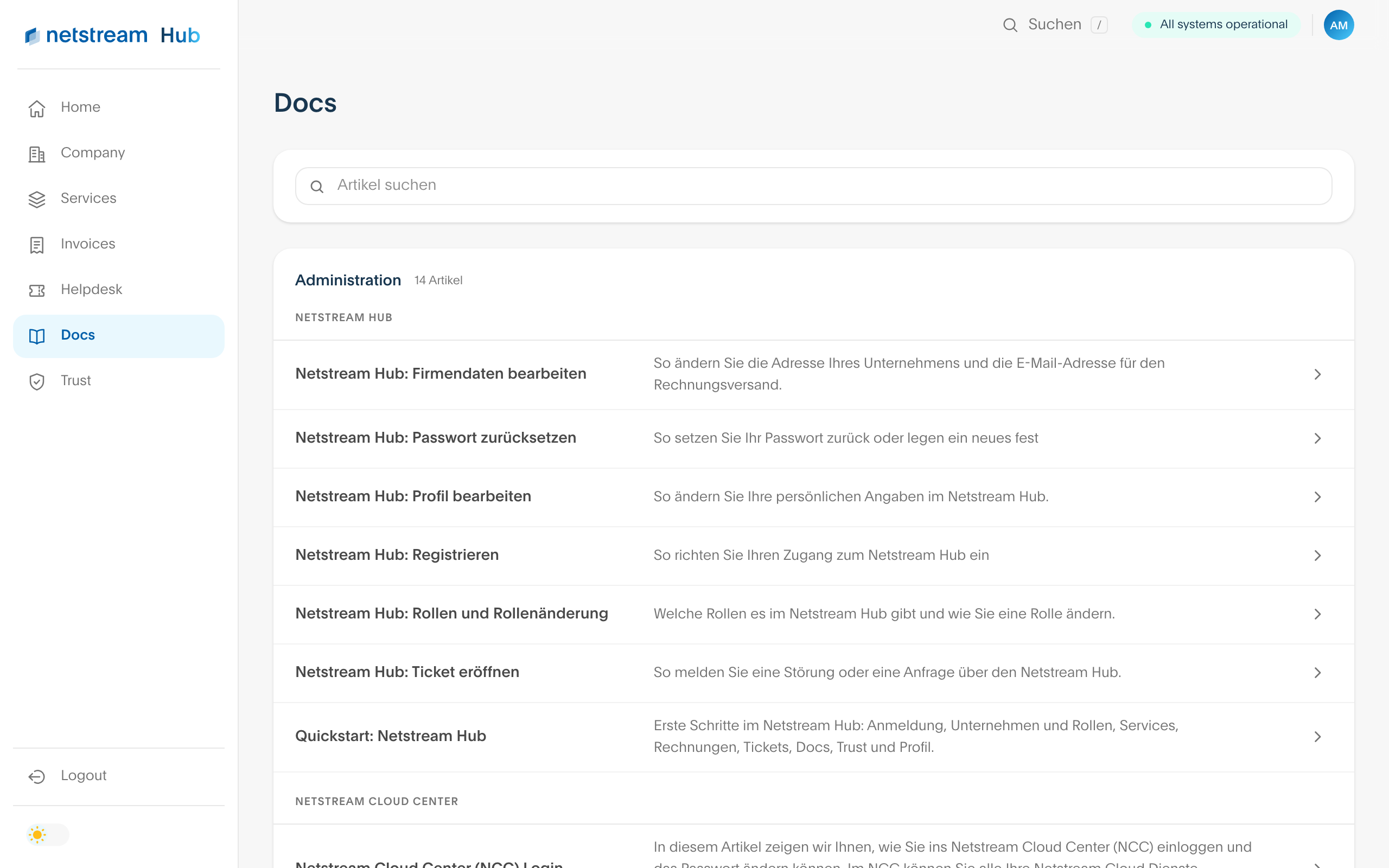
Here you find Netstream Docs directly in the Hub, sorted by category and with search. The articles are the same as on docs.netstream.ch.
Trust
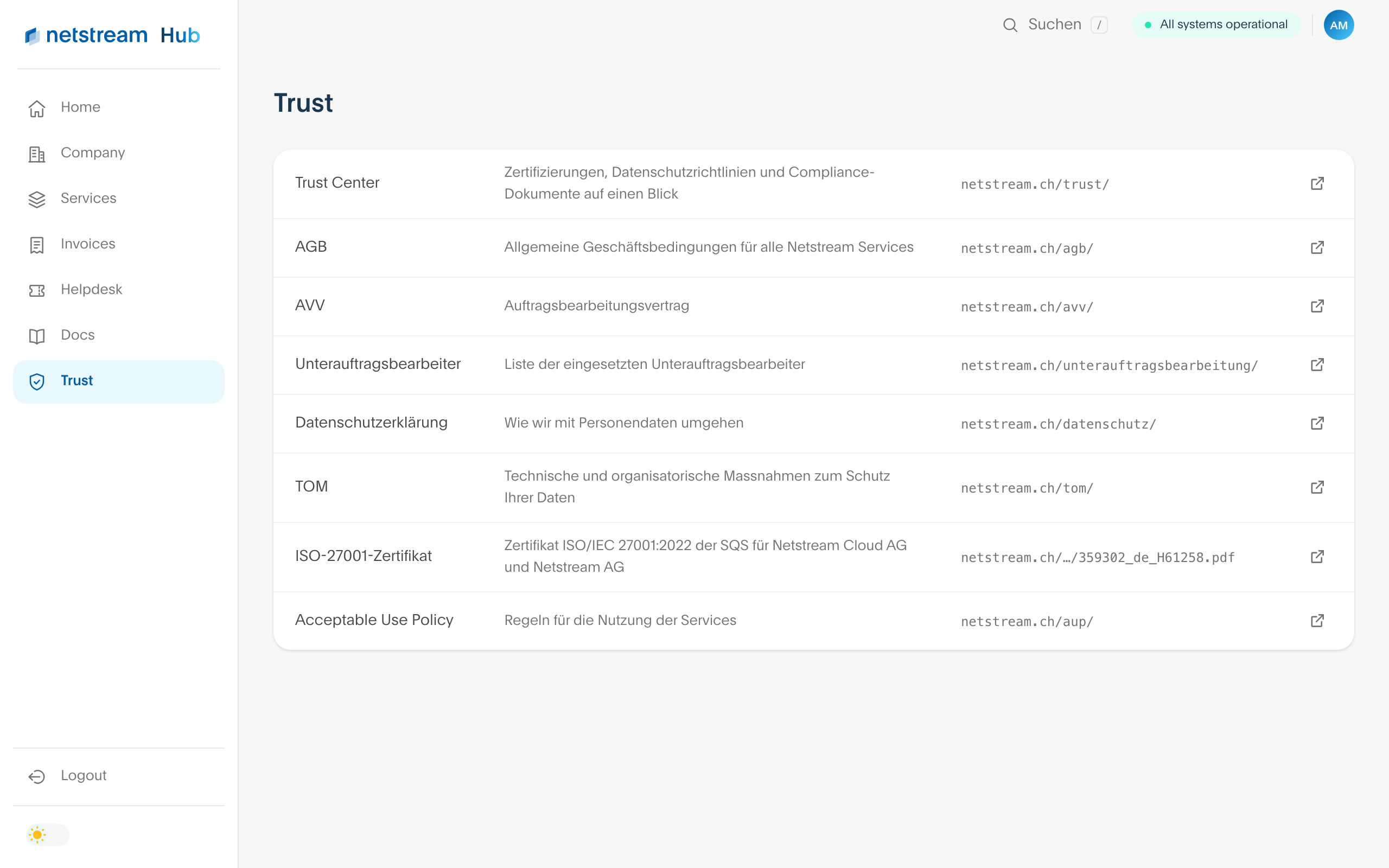
Under Trust, you find everything you need on contracts, data protection and information security at Netstream in one place. Each entry leads to the current document on netstream.ch.
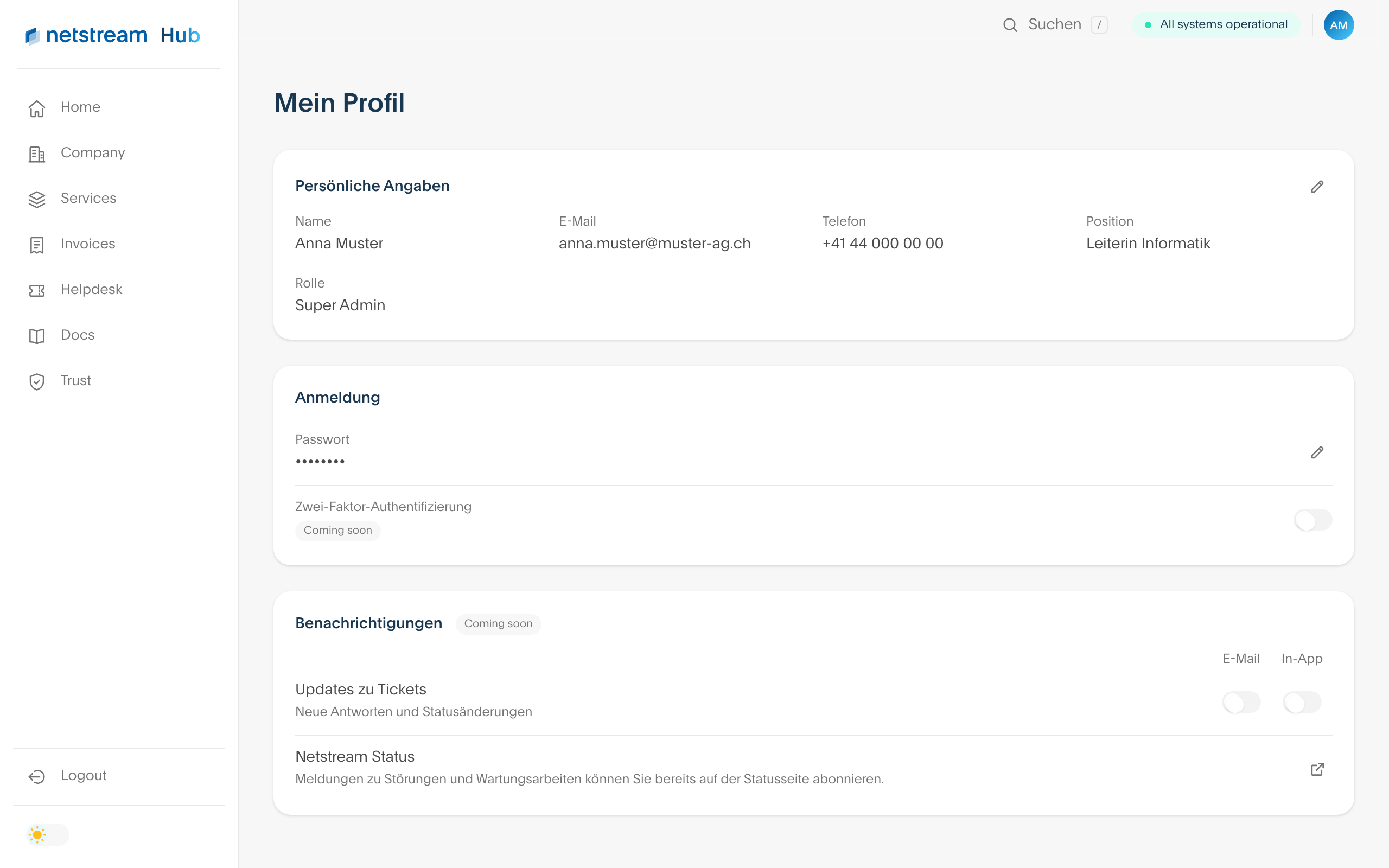
Profile
You open your profile via your initials at the top right. You change your name, phone number and position via the pen icon. You change your password via a link that we send to you by email. You change your email address via the helpdesk. You subscribe to notifications about faults and maintenance work on the status page.